
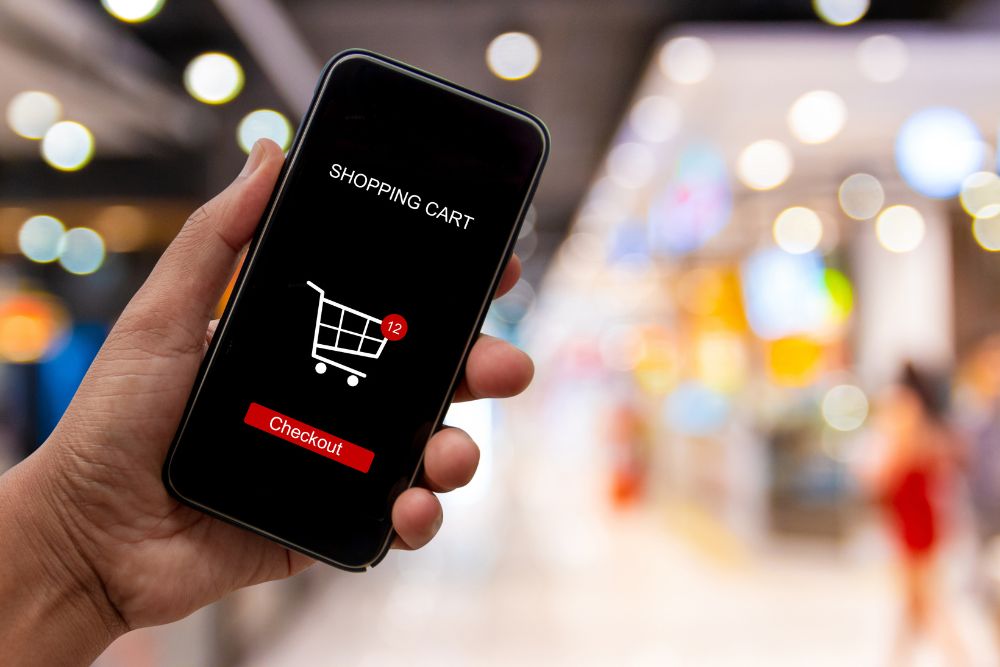
Checkout optimization strategies are, honestly, the single most trustworthy lever for turning hesitant shoppers into paying customers. If your store is losing revenue at the last step, you are not alone: industry research keeps showing that about 70% of online shopping carts are abandoned before checkout even finishes. The good part is that most of this “lost” money is still recoverable. When you apply the right checkout optimization strategies you can steadily reduce cart abandonment, strengthen buyer confidence and turn your checkout flow from a leaky funnel into a real conversion machine, not just a pretty page.
In this guide we walk through the specific tactics that high-performing ecommerce stores use to simplify checkout, remove obstacles, and recapture sales that would otherwise vanish completely.
Top 10 Checkout Optimization Strategies to Reduce Cart Abandonment
- Get Clear On Why People Leave Their Carts
Before you use any checkout optimization strategies, it really helps to understand what is pushing customers away. The most common offenders are usually like this:
- Unexpected costs (shipping, taxes or extra fees) revealed only at the final moment
- Customers having to set up an account before they can buy
- A checkout process with too many steps, or that feels a bit tangled
- Limited payment choices , or payment methods customers don’t recognize
- Slow page speed, especially on mobile
- Doubts about payment security and personal data privacy
Each of these friction issues links to a particular remedy, and that’s what the strategies below are designed to fix, one by one.
- Simplify and Shorten the Checkout Flow
Every extra field or extra click is kinda an open invitation for someone to drop the cart. If the checkout is basically one page, or just a few minimal steps, there’s less friction and customers stay focused on finishing the purchase, not wandering off.
- Reduce the form to only the essential stuff (name, address, payment, email)
- Use auto-fill and address lookup tools to make typing feel less heavy
- Add a clear progress indicator so people see how many steps are still left
- Remove repeat pages like separate billing and shipping, especially when the addresses match
- Offer Guest Checkout as the Default Option
Making customers create an account is one of the quickest ways to lose the sale. A lot of shoppers just want to buy, then go. So set guest checkout as the default option, and let account creation be an optional add-on after purchase, for example by saving order details automatically once the transaction is done.
- Be Upfront About Pricing From the Start
“Hidden” costs are often mentioned as the main reason carts get abandoned. Show shipping costs, taxes, and any extra charges as early as you can, ideally on the product page or cart page, instead of waiting until the very last moment when it feels like a surprise.
- Put a shipping cost calculator right on the cart page
- Spell out whether free shipping thresholds are in play
- Don’t introduce any fresh charges only at the last checkout step
- Offer Several Reliable Payment Choices
People tend to bail out during checkout when their preferred payment method is just not there. Giving more than one option reduces that stop-and-go feeling, pretty noticeably.
- Credit and debit cards
- Digital wallets (Apple Pay, Google Pay, PayPal)
- Buy now pay later for pricier purchases
- Local payment methods that actually fit your target market
- Fine-tune the Checkout Flow for Mobile
Since most ecommerce visits are on phones now, a checkout that is not truly built for small screens will, quietly, leak conversions. Make the main calls to action big and tap friendly, keep the forms more simple, and use mobile-first payment add-ons like digital wallets, so the customer can do one-tap checkout.
- Strengthen Confidence With Security Signals
Buyers want reassurance that their payment details and personal info are protected, right when they start typing sensitive data.
- Put SSL/ security badges close to the payment fields
- Use familiar payment symbols (Visa, Mastercard, PayPal etc.)
- Add a direct link, that is easy to find, to your returns and refund policy
- Make the Checkout Page Load Faster
Every extra second of load duration makes it easier for customers to nope out or just leave. Compress the images, reduce the number of third party scripts on the checkout page, enable caching, and rely on a content delivery network so pages feel quick on different devices and in various regions, without that annoying lag
- Win Back Abandoned Carts Using Automated Follow Ups
Even if your checkout is already very polished, some abandonment is just going to happen. Still, a calm and consistent recovery ritual can reclaim a noticeable portion of those sales that slipped away
- Send a cart abandonment email around 1 hour after they leave, then send 1-2 additional reminder emails over the next 48-72 hours.
- In the second reminder, give a small, time capped reward (discount or free shipping) to nudge them back
- Use retargeting ads so shoppers see your brand again in other channels, and ultimately return to the cart
- Try exit-intent popups that give help, or a gentle perk, right before the user exits the checkout page
- Keep A/B Testing Your Checkout Path
Improving checkout performance is not really a one time “set it and forget it” thing. It’s more like a continuous refinement. Test things like button wording, the order of the form fields, the page structure, and where the incentive shows up. Then let actual conversion results, not guesses, steer what you do next
Track the Right Metrics to Measure Progress

Optimization tactics during checkout only really work when you can measure, and like actually see the impact. If you dont track the right metrics, you can never really tell which tweaks lower cart abandonment and which ones are just random noise, kinda like a guess with extra steps.
- Cart abandonment rate: the share of shoppers who place items into a cart but do not finish checkout
- Checkout conversion rate: the percentage of people who enter checkout and then manage to complete it
- Average time to complete checkout: faster is usually better, but still keep an eye on when users move through steps “too quickly” (that can be a signal of confusion, not real efficiency)
- Drop-off rate by checkout step: this points exactly to where customers bounce, in other words it shows the leak in the flow
- Recovery email performance: open rate, click-through rate, and recovered revenue coming from abandonment email campaigns
Set up event tracking (through Google Analytics 4, your ecommerce system, or a focused CRO tool) for every single checkout step so you can spot, very precisely where friction is quietly draining sales, then work through fixes in order of the largest drop-offs first.
Final Thoughts

Cutting cart abandonment usually doesn’t hinge on just one neat fix. Most of the time it’s this slow, layered result of taking away friction, creating reliability and then checking in with intention when buyers don’t complete the purchase the very first time. If you apply these checkout optimization tactics consistently, you end up with a much smoother route to purchase, and you also recover revenue that might otherwise get swallowed up for good.
Want to look over and refine your store’s checkout path? Get in touch with our team at contactus@panalinks.com and we’ll help you turn checkout friction into conversions.