
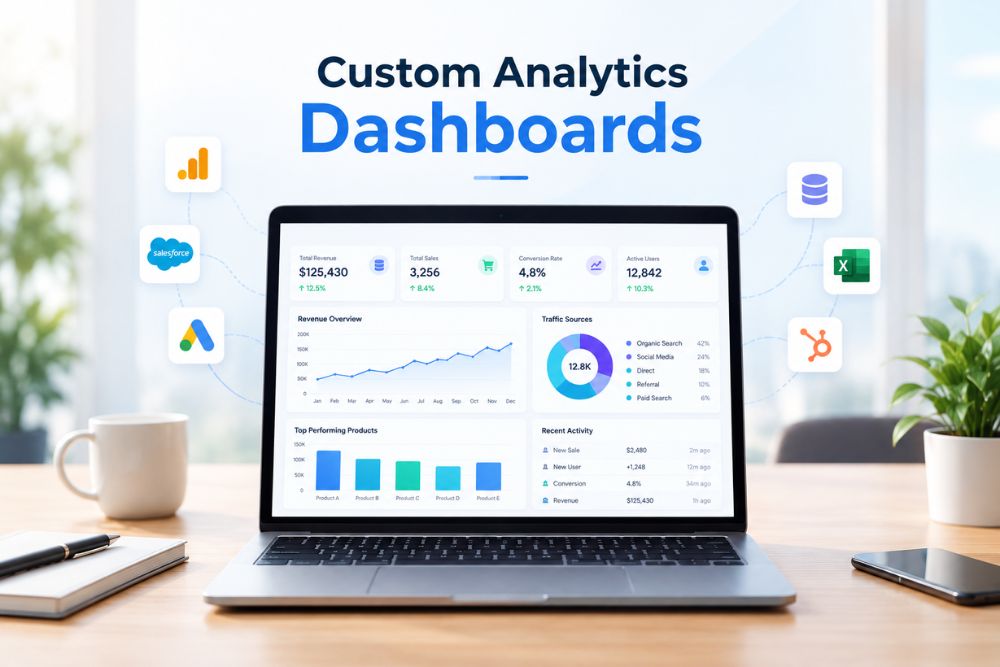
If your team grabs figures from five separate tools right before the Monday meeting, you are doing extra work and getting slower answers. This is why custom analytics dashboards get built. They gather your data in one place and keep it up to date. When metrics sit in a single live dashboard, people can spot issues sooner and stop spending hours on manual reports. That change is a smart move for any business that is growing.
What Are Custom Analytics Dashboards?

7 Powerful Benefits of Custom Analytics Dashboards for Your Business

1. Quick, real-time decisions
A good dashboard updates on its own. Leaders can see what is happening now, not what was captured in an old file. That shift helps you move from delay to action.
2. Better ROI from clearer choices
When you can view marketing spend, sales pipeline, and operational costs together, it is easier to see what is paying off. Teams can shift money toward what the dashboard shows is working.
3. Shared visibility for every team
Sales, marketing, finance, and operations often rely on different sources. With one shared dashboard, they can use the same live numbers. This helps reduce the back and forth about which data is correct.
Simple Data Updates People Can Follow
Charts show what is happening fast. A spreadsheet with 40 tabs often hides the key point. In board calls and investor check ins, the discussion usually moves quicker once the numbers are easy to read.
Fewer Mistakes and One Clean Data Set
Copying numbers by hand between systems is a common cause of wrong reports. With a well built dashboard, the data comes straight from the original systems through an API. That cuts out a lot of human slip ups.
Ready for Growth
These dashboards are built in parts. When you bring in new products, new regions, or new data streams, you can add new blocks and measures. You do not have to rebuild everything.
A Real Advantage When Everyone Tracks Metrics
Teams that decide based on hunches often lag behind. Live data helps teams react sooner. For serious companies, a dashboard is not just extra. It is starting to feel like the minimum.
How Custom Analytics Dashboards Are Built: A Quick Overview

- Pick the KPIs that shape choices, not the full list of metrics.
- Link the data sources, like CRM, GA4, ad platforms, ERP, and databases.
- Decide on the build approach: BI tools like Power BI or Looker Studio, or a custom dashboard when you need something specific.
- Lay out the screens for clarity. No clutter. One view should answer one key question.
- Enable automated refresh, set user access rules, and ensure it works well on mobile.
- Run trials with real users and adjust based on what they check each day.
Common Mistakes to Avoid When Building Analytics Dashboards
- Picking numbers that look good, not the KPIs that guide choices.
- Stuffing one dashboard with too many graphs.
- Forgetting to optimize for phones and tablets.
- Plugging in data feeds without checking the numbers first.
Ready to Build Your Own Analytics Dashboard?
Stop spending your Monday mornings chasing numbers across disconnected tools. Whether you need an executive KPI cockpit in Power BI or a tailor-made reporting portal built from the ground up, Panalinks engineers dashboards that keep your entire team aligned and moving fast.
Unified Source of Truth: Connect your CRM, ad platforms, ERP, and databases via secure, automated pipelines.
Built for Action: Cut out clutter with intuitive views focused strictly on the metrics that drive revenue and growth.
Seamless Scalability: Modular architecture designed to adapt as your data streams and business expand.
Prefer email? Reach our data team directly at contactus@panalinks.com to get started.