
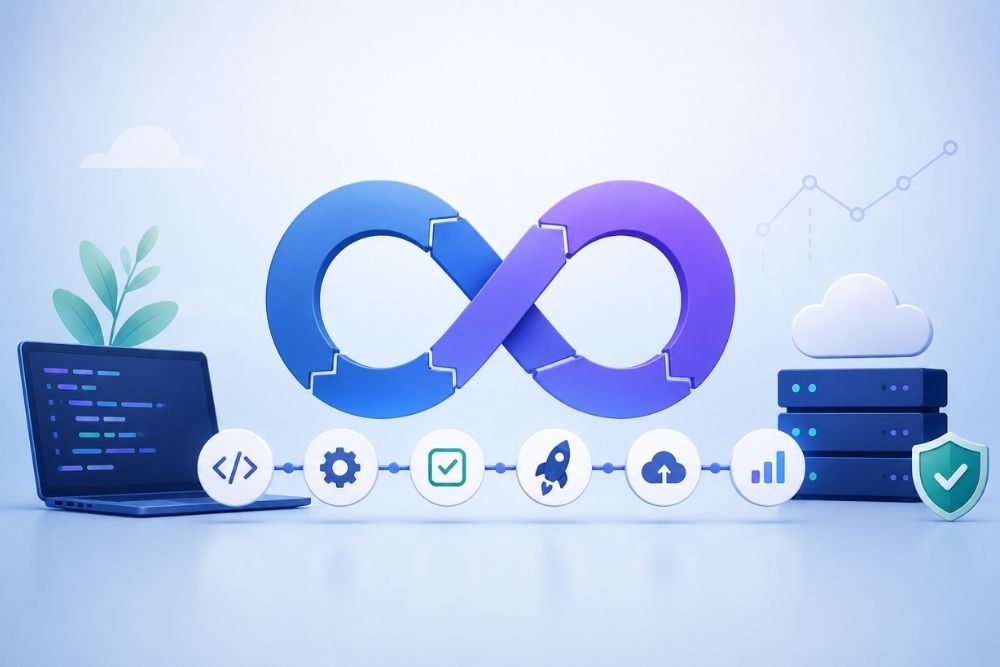
Your team might still be doing releases the slow way. If so, you are probably losing hours, spending more money, and wearing people down. DevOps automation is one of the biggest levers you can pull to cut release time. It can move work from weeklong effort to releases on the same day. It also helps keep results steady.
This write-up covers seven DevOps automation tactics teams use now. Each tactic targets speed. Each one also lowers the chance of mistakes. And it lets your best engineers stop doing the same manual tasks over and over.
What Is DevOps Automation?
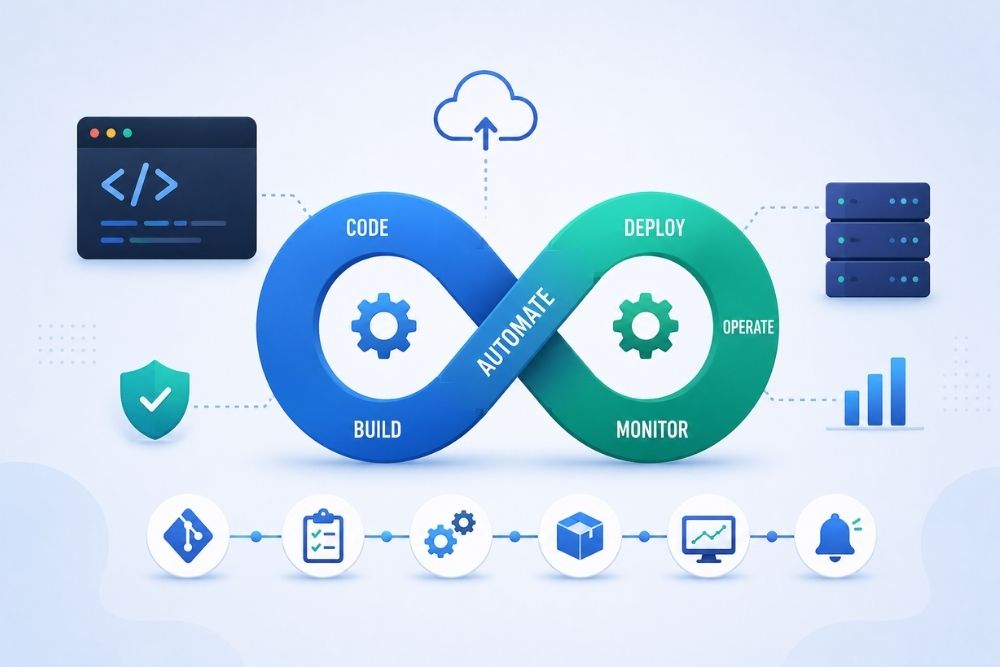
DevOps automation is when you remove repetitive steps from the delivery flow. Those steps can be building the app, running tests, deploying it, setting up servers, and watching services. Instead of an engineer doing each step by hand, the work runs through tools and scripts. A pipeline can run checks right away. It can push changes without extra clicks. It can also review logs in a steady way. Less hand work usually means fewer slip ups. That is why many strong DevOps teams rely on automation as a base.
Why DevOps Automation Matters for Faster Software Delivery

Manual delivery does not hold up at scale. One person typing commands, one person starting a test run, and one person editing server settings can become a bottleneck. That slows releases. It also adds risk. When teams put DevOps automation in place, they often see shorter lead times. They also tend to see fewer broken deployments. And when issues happen, they can bounce back faster. These are the outcomes that often show up in top teams.
- Release work moves quicker: new features can go out the same day they are ready, not after a long wait
- Fewer slip ups: the same automated steps run each time with no surprise changes
- Lower costs in day to day ops: less time spent on repeated release chores
- Better mood for engineers: fewer urgent incidents, more time on real product work
1. Set up CI/CD so deploys happen right after changes
CI and CD are the core of DevOps automation. Instead of a person building and uploading code, a pipeline does it right away. It compiles, checks tests, and deploys when a commit lands. Many teams see this as the gap between slow releases and same-day releases.
Start a build on every git push and on pull requests
Run unit tests and integration tests before merging
Move to staging and production without manual steps
2. Use Infrastructure as Code to keep setups the same
The phrase “It worked on my machine” often shows that the setup was made by hand. With IaC tools such as Terraform, Pulumi, or AWS CloudFormation, teams write what they need in files. Those files are saved like code. Each environment- dev, staging, and production- is made from the same plan.
Create matching environments in minutes, not in days
Keep a record of infrastructure edits in git history
Undo a broken infrastructure edit like you would undo a bad commit
3. Add Automated Tests So Bugs Show Up Early
Automated tests act like a guardrail. They let teams ship changes often without getting surprised later. Unit tests check small parts. Integration tests check how parts work together. End-to-end tests confirm that key user flows still behave as expected. With tests running for each build, fixes can be made before anyone outside the team notices the issue. Instead of crossing your fingers, you can ship with clearer signals.
Trigger the test runs in the CI or CD job
Stop a merge when tests do not pass, or coverage is too low
Include security checks and speed checks with the usual test work
4. Use Config Tools to Keep Scaling from Getting Messy
When a setup is small, you can tweak servers by hand. Once the count jumps, that approach falls apart. Keeping many machines in the same shape becomes slow and error-prone. Ansible, Chef, and Puppet help by managing configuration across a whole set of servers. Then going from a few servers to a much larger group is not chaos.
Send the same config update to all servers at once
Keep security settings uniform across the whole fleet
Cut down on config drift that leads to confusing failures
5. Try Container Orchestration for Smoother Releases
Containers bundle an app with what it needs to run. Docker does this part. Kubernetes, or a hosted alternative, handles the rest. It controls how containers are placed, how they scale, and how they recover when something fails. This helps teams keep the same deployment method across environments. The rollout feels more repeatable, even when the infrastructure changes.
Scale services up or down as demand changes
Restart failed containers without breaking the whole app
Roll out the same way across cloud or on-premises
6. Add Monitoring and Alerts so Problems Get Caught Early
A DevOps automation setup should not end after release. It should follow the app and services after they go live. With Prometheus, Grafana, and Datadog, teams can watch latency, error rates, and uptime. When numbers move the wrong way, alerts fire right away, sometimes before any customer sees trouble.
Trigger alerts when a rollout fails
Alert on sudden increases in errors
Show clear dashboards that help spot problems early
Use monitoring data to start rollback actions when needed
7. Use GitOps to Keep Everything Tied to Version History
GitOps pushes automation further by keeping the target setup in a git repo. Automation agents then check what is running and try to align it with the saved desired state. Changes go through review, get stored with versions, and are easy to trace later. This keeps the live system in sync without guesswork.
Handle each deployment as a pull request
Review changes before they get merged
Detect drift and correct it with self-healing steps
Keep an audit trail for every production update
Common DevOps Automation Hurdles (and What to Do)
DevOps automation often feels rough at first. Three issues show up again and again. Old systems can be hard to touch. Tools can multiply fast. Some teams push back. The good news is that there are clear ways to reduce each one.
- Legacy systems: begin with the newest, most isolated service, then move outward
- Tool sprawl: pick one CI/CD platform and one IaC tool before adding anything else
- Team resistance: choose one annoying manual task and automate it first to build trust fast
Final Thoughts
DevOps automation is not only for large tech firms. It is something any team can use to compete better, as long as they put effort into it. Begin with a single pipeline. Show results early, then grow step by step. People who automate earlier usually release updates sooner.
Want to start improving how you ship software?
Panalinks works with engineering teams to plan and build DevOps automation pipelines. They aim to shorten release time and reduce mistakes caused by manual steps. For a free consultation, contact us at contactus@panalinks.com